
Scheduled Tasks
Scheduled tasks let an AI computer resume work in the future without waiting for the user to ask again.
They cover requests such as:
- check this every morning;
- send me a weekly summary;
- watch for changes;
- run this report on a schedule;
- remind me at a specific time.
If the chat runtime already has scheduling, the assistant does not need to become a separate application merely to wake up with the right context.
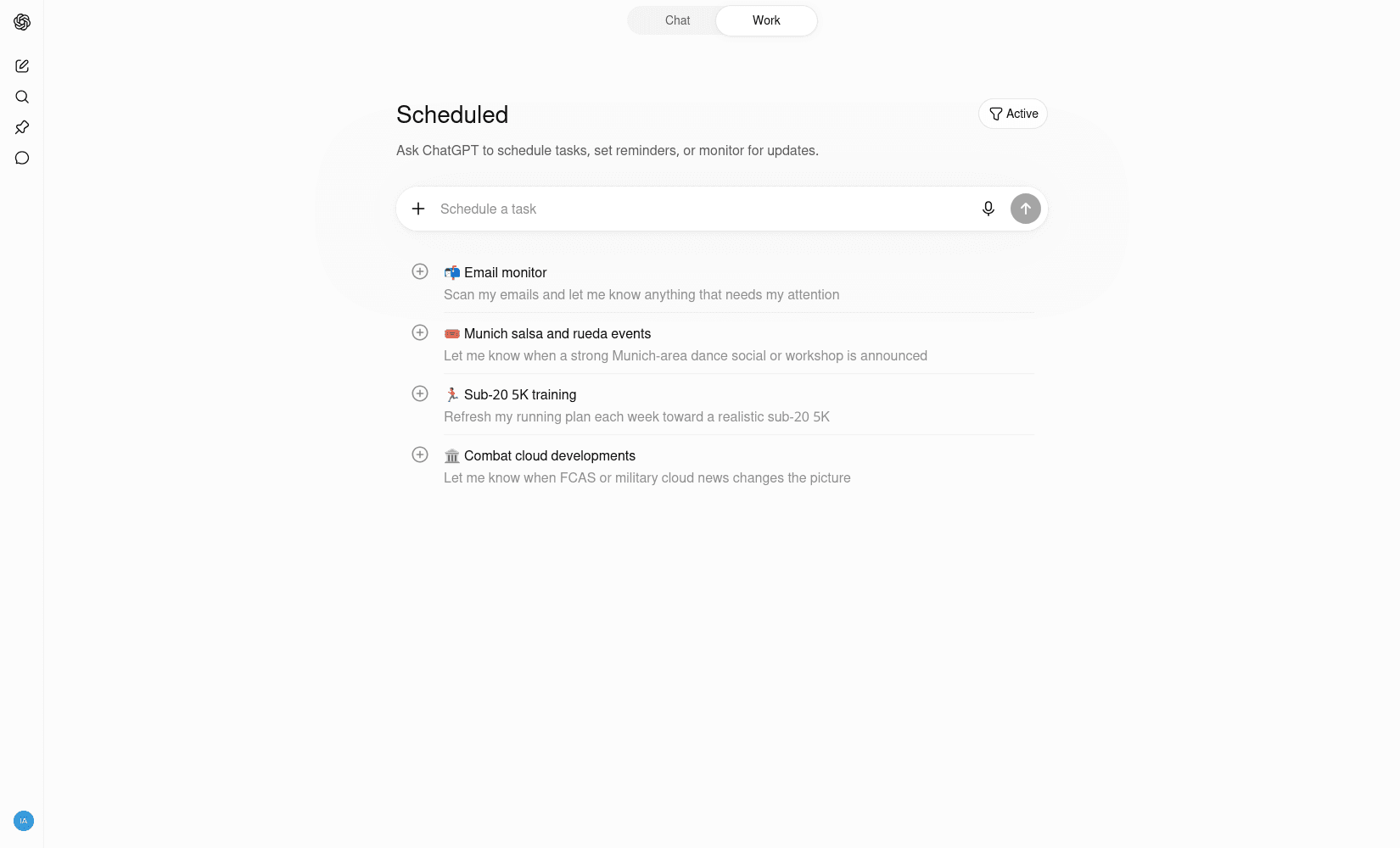
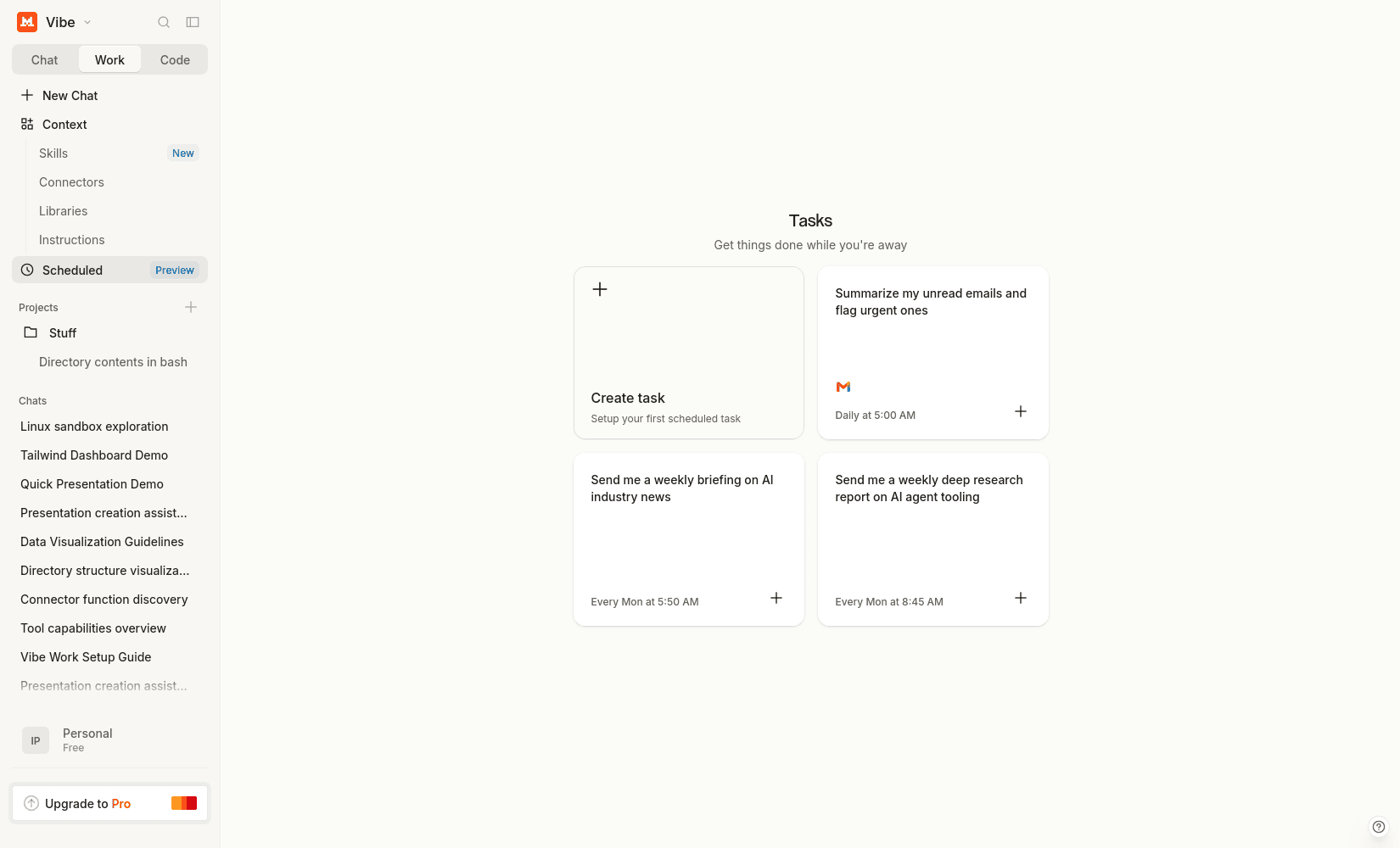
Scheduled jobs trigger tool calls in the future without waiting for another message.
# Create a scheduled job
cron(schedule: string, tool_name: string, arguments: object): string

# List scheduled jobs
cron_list(): object[]

# Update an existing scheduled job
cron_update(job_id: string, schedule: string, arguments: object): string

# Delete a scheduled job
cron_delete(job_id: string): string

# Health check for scheduler loop
heartbeat(): string
Example: Create a Weekly Reminder Job
User prompt
Every Monday at 9am, remind me to send the team status update.
1) Model requests a cron job
{
  "role": "assistant",
  "content": "",
  "tool_calls": [
    {
      "id": "call_cron_create_01",
      "name": "cron",
      "arguments": "{\"schedule\":\"0 9 * * 1\",\"tool_name\":\"send_reminder\",\"arguments\":{\"message\":\"Send the team status update\",\"channel\":\"in_app\"}}"
    }
  ]
}
2) Dispatcher executes and returns tool result
{
  "role": "tool",
  "name": "cron",
  "tool_call_id": "call_cron_create_01",
  "content": "{\"job_id\":\"job_01JCRONABC\",\"status\":\"scheduled\",\"next_run\":\"2026-03-02T09:00:00-05:00\"}"
}
3) Model confirms and asks follow-up questions
{
  "role": "assistant",
  "content": "Done. I scheduled a weekly reminder for Mondays at 9:00 AM. Do you want this in your local timezone, and should I also send it to email?"
}
API Call with Full History
curl http://localhost:11434/api/chat \
  -H "Content-Type: application/json" \
  -d '{
    "model": "granite4:tiny-h",
    "stream": false,
    "tools": [
      {
        "type": "function",
        "function": {
          "name": "cron",
          "description": "Create a scheduled job that runs a tool in the future.",
          "parameters": {
            "type": "object",
            "properties": {
              "schedule": { "type": "string", "description": "Cron expression" },
              "tool_name": { "type": "string" },
              "arguments": {
                "type": "object",
                "additionalProperties": true
              }
            },
            "required": ["schedule", "tool_name", "arguments"]
          }
        }
      }
    ],
    "messages": [
      {
        "role": "system",
        "content": "You are a careful assistant. When users request recurring actions, use the cron tool and confirm timezone and delivery channel."
      },
      {
        "role": "user",
        "content": "Every Monday at 9am, remind me to send the team status update."
      },
      {
        "role": "assistant",
        "content": "",
        "tool_calls": [
          {
            "id": "call_cron_create_01",
            "name": "cron",
            "arguments": "{\"schedule\":\"0 9 * * 1\",\"tool_name\":\"send_reminder\",\"arguments\":{\"message\":\"Send the team status update\",\"channel\":\"in_app\"}}"
          }
        ]
      },
      {
        "role": "tool",
        "name": "cron",
        "tool_call_id": "call_cron_create_01",
        "content": "{\"job_id\":\"job_01JCRONABC\",\"status\":\"scheduled\",\"next_run\":\"2026-03-02T09:00:00-05:00\"}"
      }
    ]
  }'
Questions to Ask Before Scheduling
- Which timezone should be used?
- Is this one-time or recurring?
- Which delivery channel should be used (in-app, email, Slack)?
- Should missed runs be retried?
When a Scheduler Is Not Enough
A built-in scheduled task is appropriate when one assistant can resume with known context and perform a bounded action.
Dedicated orchestration becomes valuable when the workflow needs complex dependencies, transactional side effects, strict delivery guarantees, escalation paths, concurrency controls, durable queues, or detailed operational recovery.
Scheduling answers when to start. It does not automatically provide all the guarantees required by a business process.