
Running the Bionic Platform
We have a very lightweight version of Bionic for running locally for for limited Proofs of concept. If you require features such as user management, document pipelines etc from the enterprise version then install the enterprise version instead.
Prerequisites
The easiest way to get running with Bionic is with our docker-compose.yml file. You'll need Docker installed on your machine.
OSX and Linux
curl -O https://raw.githubusercontent.com/bionic-gpt/bionic-gpt/refs/heads/main/infra-as-code/docker-compose.yml
Windows
Invoke-WebRequest -Uri https://raw.githubusercontent.com/bionic-gpt/bionic-gpt/refs/heads/main/infra-as-code/docker-compose.yml -OutFile docker-compose.yml
And run
docker compose up
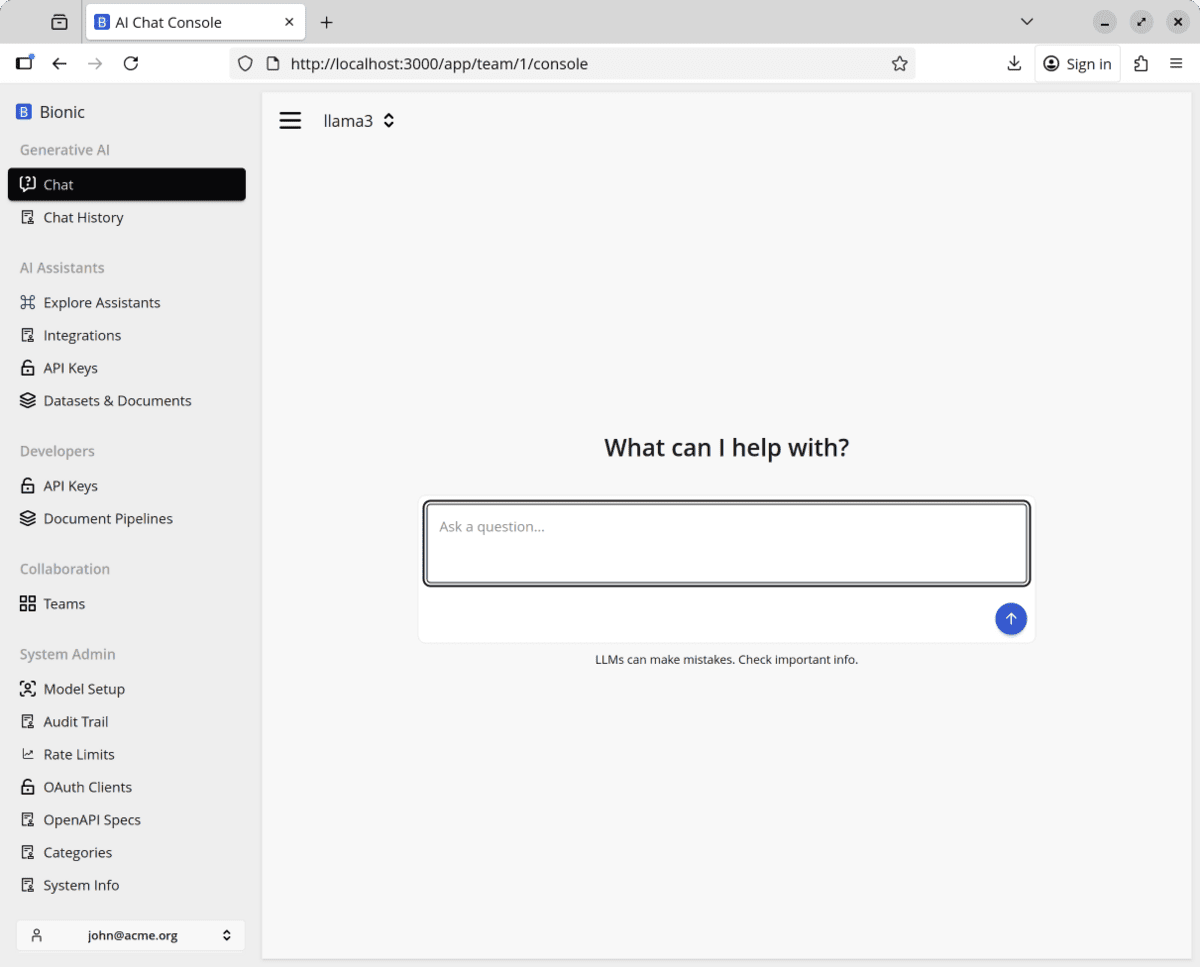
You can then access the front end from http://localhost:3000.
Screenshot
Choose How to Run Your Model
With Bionic running, choose one of the next two paths:
- Connect Bionic to a hosted API provider.
- Run a model locally with Ollama.
Both paths lead to a model that you can test from the Bionic chat console.