
Runtime Tools
A virtual filesystem gives an AI computer working storage. Runtime tools give the model software it can use to inspect that storage, transform information, call connected systems, and produce finished outputs.
This is a broader capability than adding one function for one task. A runtime can expose a small set of general tools for discovering capabilities and executing code. The model can then decide how to combine them for the request in front of it.
That pattern is often called code mode. The user describes an outcome, the model writes a short program, and a constrained runtime executes it. The program can use intermediate values, loops, conditions, and several authorised operations without requiring a separately coded agent workflow for every variation of the task.
From Individual Tools to Code Mode
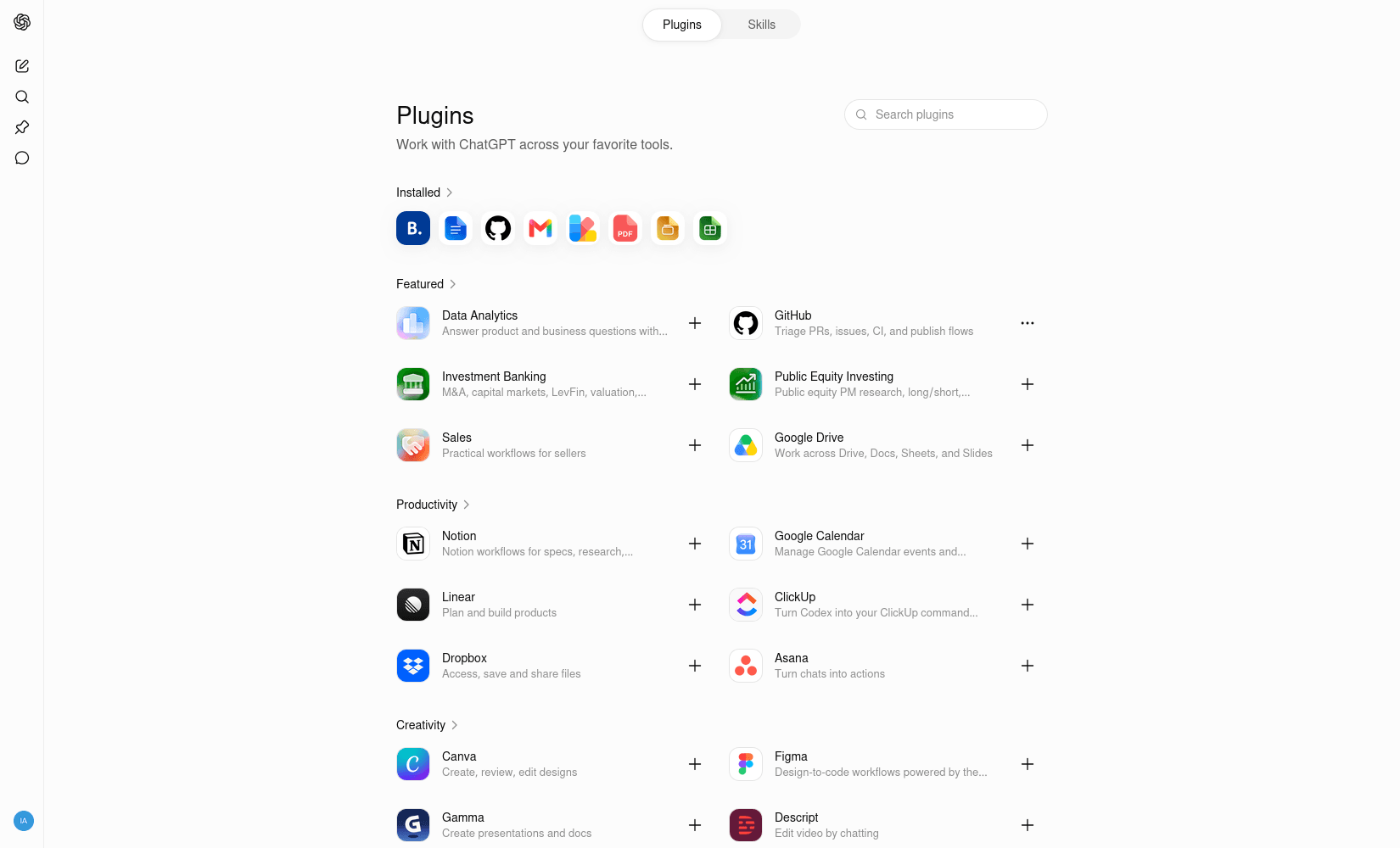
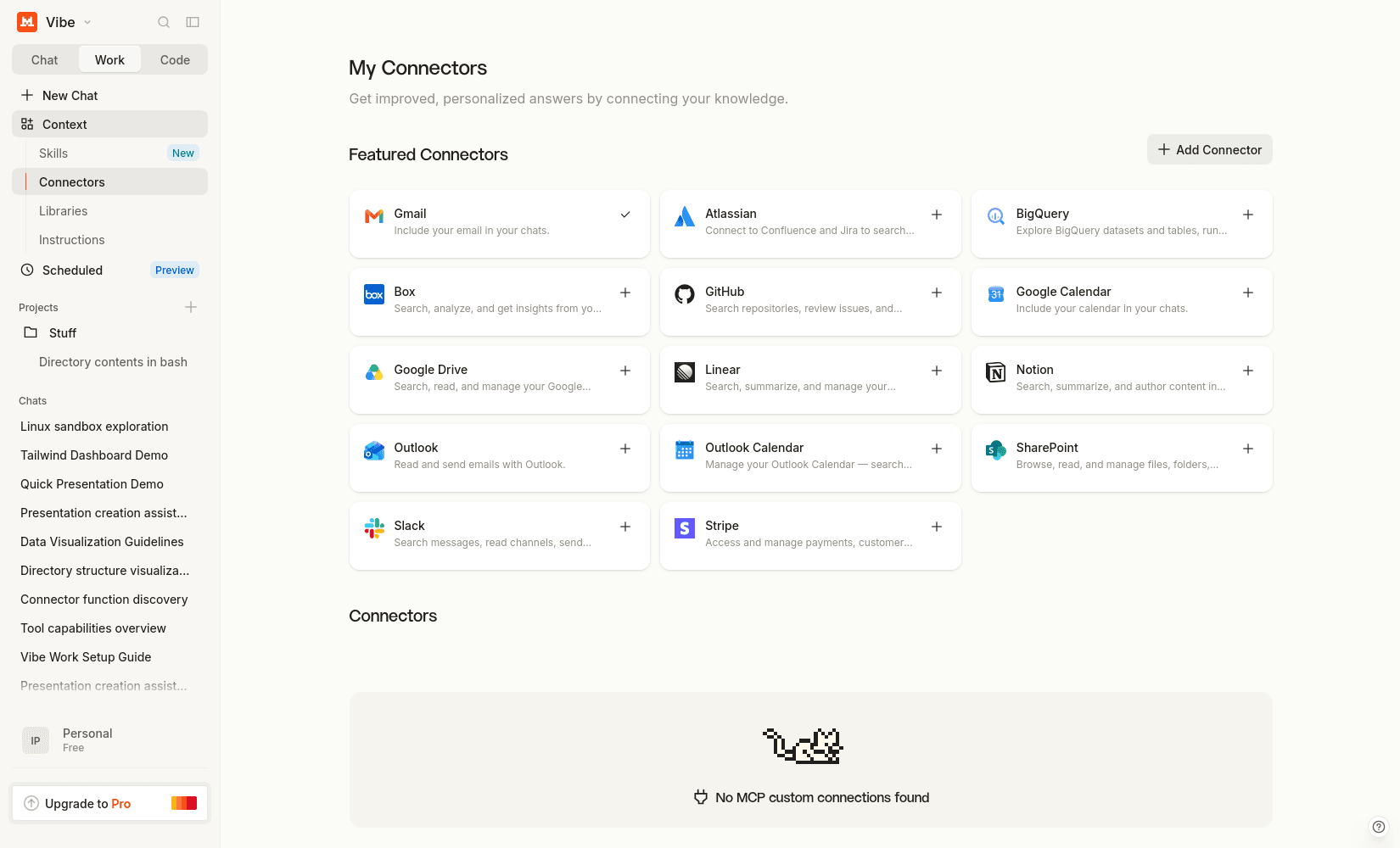
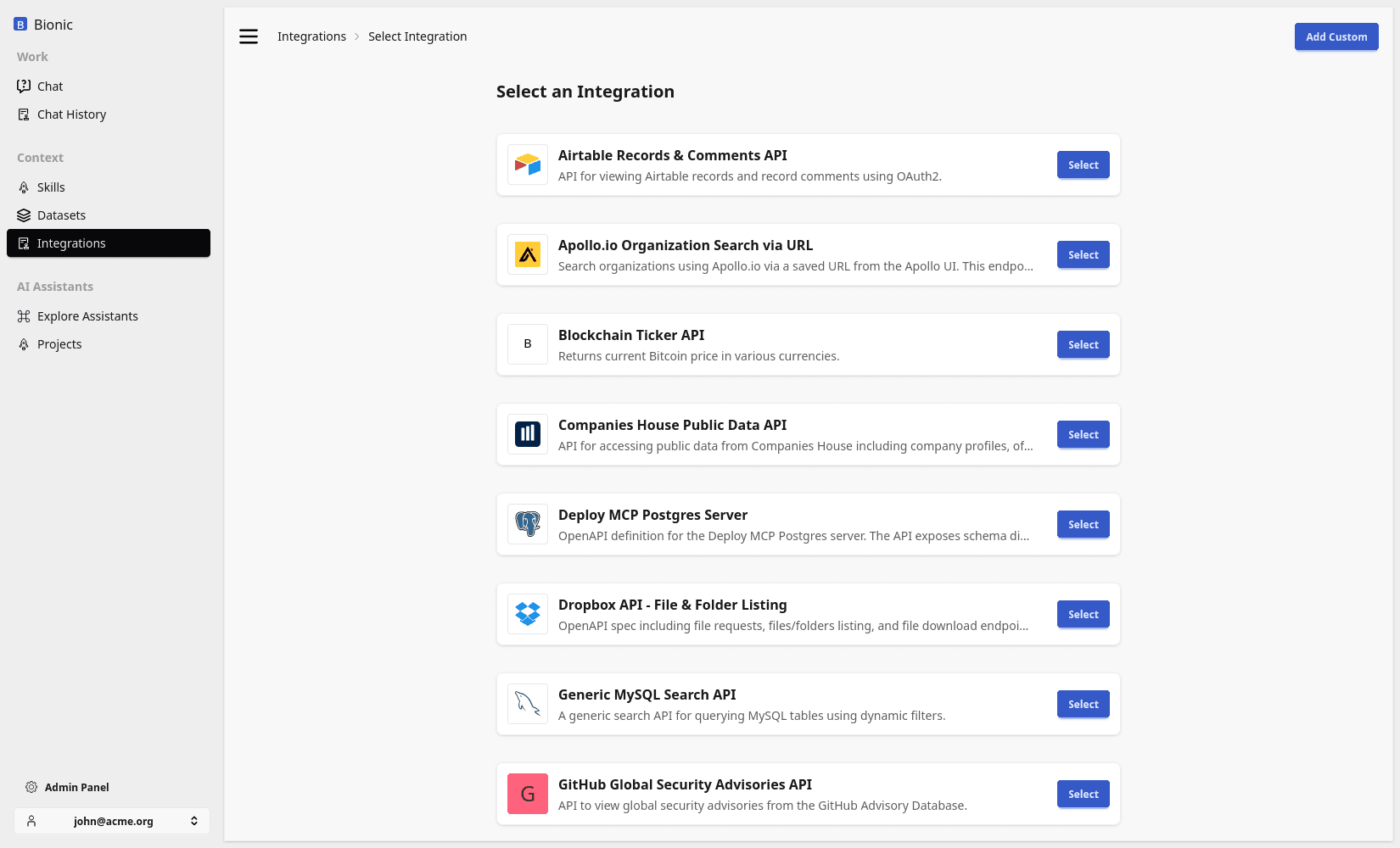
An application can send every available tool definition to the model. That works well when there are only a few tools. It becomes less practical when an organisation connects many APIs, each with many operations and large input schemas.
Code mode provides a smaller interface:
| Runtime capability | Purpose |
|---|---|
| Tool discovery | Find operations relevant to the current task |
| Code execution | Compose operations with calculations, branching, loops, and intermediate state |
| Virtual filesystem | Share inputs and outputs between the model and runtime |
| Integration dispatcher | Execute authorised calls against external systems |
| Artifact publishing | Return selected files and results to the user |
The model does not need every operation in its context before it starts. It can search for the capability it needs, inspect the relevant definition, and use that operation from code.
This produces a progressive loop:
- The user describes the outcome.
- The model searches or lists the available runtime functions.
- The model writes a small program using the functions it found.
- A sandboxed interpreter executes the program.
- The host runtime intercepts external function calls and dispatches them with the user's permissions.
- Results return to the program, where they can be filtered, combined, or written to a file.
- The model checks the result and presents the answer or publishes an artifact.
The code is not the agent application. It is a temporary plan expressed in an executable form.
A Generic Example
Suppose a user asks:
Find our open support cases for this customer, group them by priority, and create a short report.
The model may not initially know which connected system provides support cases. It first searches the available functions:
search_tool_functions("find support cases for a customer")
The result describes the matching integration, operation, arguments, and return value. The model can then write a short program using the discovered function:
cases = toolbox.integrations.support.list_cases(
    customer_id="customer-123",
    status="open",
)

counts = {}
for case in cases:
    priority = case["priority"]
    counts[priority] = counts.get(priority, 0) + 1

print(counts)
The names are illustrative. They come from the integrations connected to the current workspace rather than from a universal tool standard.
This approach adds many use cases without adding a new hard-coded workflow for each one. The same executor can analyse a file, compare records from two systems, calculate totals, validate data, or prepare an artifact. What changes is the program the model writes and the authorised functions available to it.
One Implementation: Monty
Bionic GPT uses Monty as a lightweight Python runtime for code mode. The model receives two important capabilities:
search_tool_functionssearches the functions provided by connected integrations.run_pythonruns a short Python program with a preloadedtoolboxobject.
Connected OpenAPI operations are represented as Python functions under:
toolbox.integrations.<integration>.<operation>(**arguments)
The model can also inspect the available operations from Python:
toolbox.integrations.list()
toolbox.integrations.describe("support", "list_cases")
Monty pauses when the program calls an external function. The Rust host checks the function against the available integration registry, invokes the underlying authorised tool, converts its response back into a Python value, and resumes the program.
The interpreter itself is hermetic. It has execution time, memory, and allocation limits and does not receive implicit access to the host filesystem, environment variables, network, or third-party Python packages. External access happens through the host dispatcher, where authentication and policy can be applied.
This separation is important:
Model-written program
        ↓
Constrained interpreter
        ↓
Authorised function boundary
        ↓
Host integration dispatcher
        ↓
Enterprise system
The model controls the program, but the platform controls what that program is allowed to reach.
The Same Broad Pattern Elsewhere
The implementation details vary between products, but sandboxed code execution is becoming a common part of conversational AI.
ChatGPT data analysis can write and execute Python in a code-execution environment and work with files attached to the conversation. Mistral Code Interpreter similarly lets an agent execute code in an isolated container.
These examples demonstrate the broad pattern, not identical internal architectures. Their tool-discovery, isolation, permission, and integration mechanisms may differ from Bionic GPT's Monty-based runtime.
Runtime Boundaries
Code mode makes tools more composable. It does not make them safe automatically. A production runtime still needs to enforce:
- which integrations are visible to the current user and conversation;
- which operations are read-only and which have side effects;
- argument validation and output limits;
- execution time, memory, and storage limits;
- isolation from host files, credentials, and unrestricted network access;
- approval for consequential actions;
- audit records for external calls and generated outputs.
A sandbox contains execution. A virtual filesystem supplies working storage. Runtime tools supply software, and integrations supply controlled access to systems beyond the sandbox. Together, these components let the conversational environment perform useful multi-step work.
The next lesson examines datasets: reusable knowledge collections that the runtime can search and use across conversations.